How Sakhi works.
Two ways to start.
The press lives on your keys, so help is one squeeze away without ever reaching for your phone.
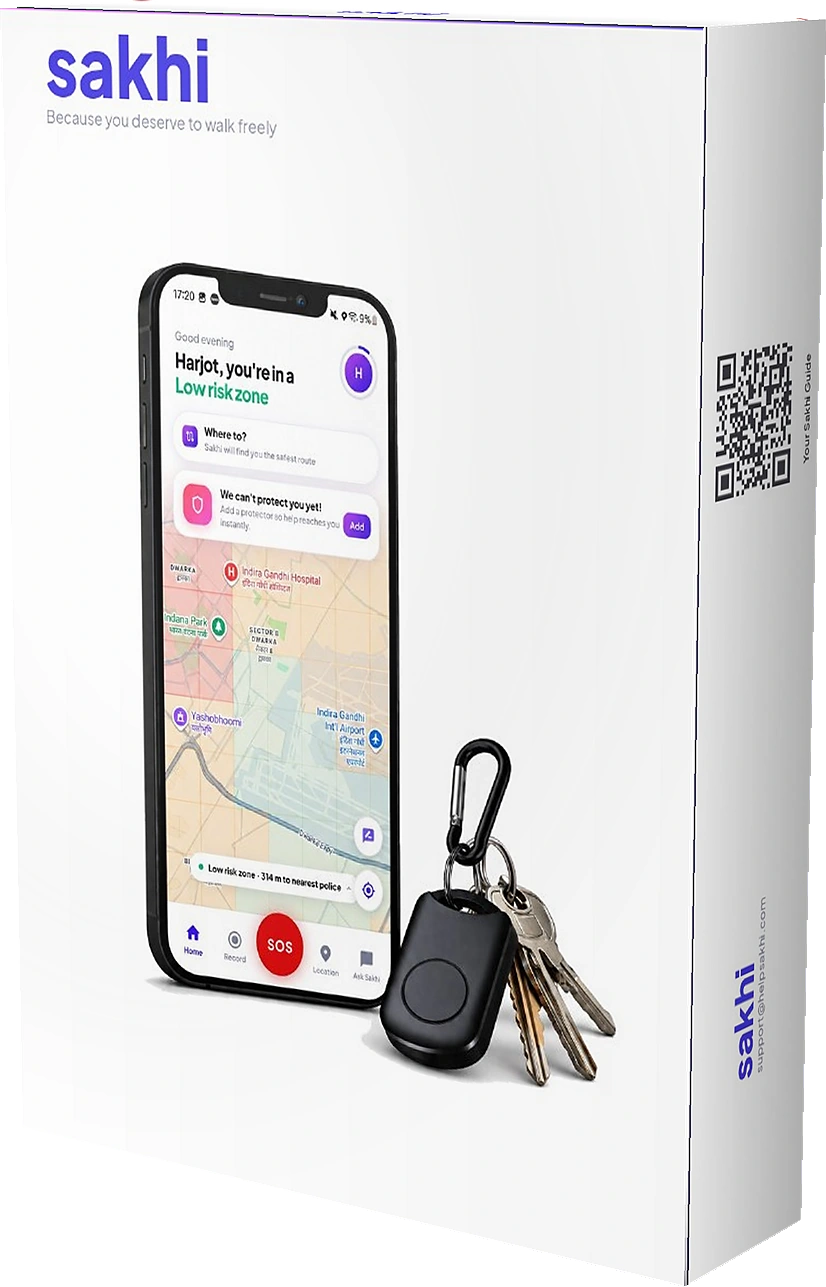
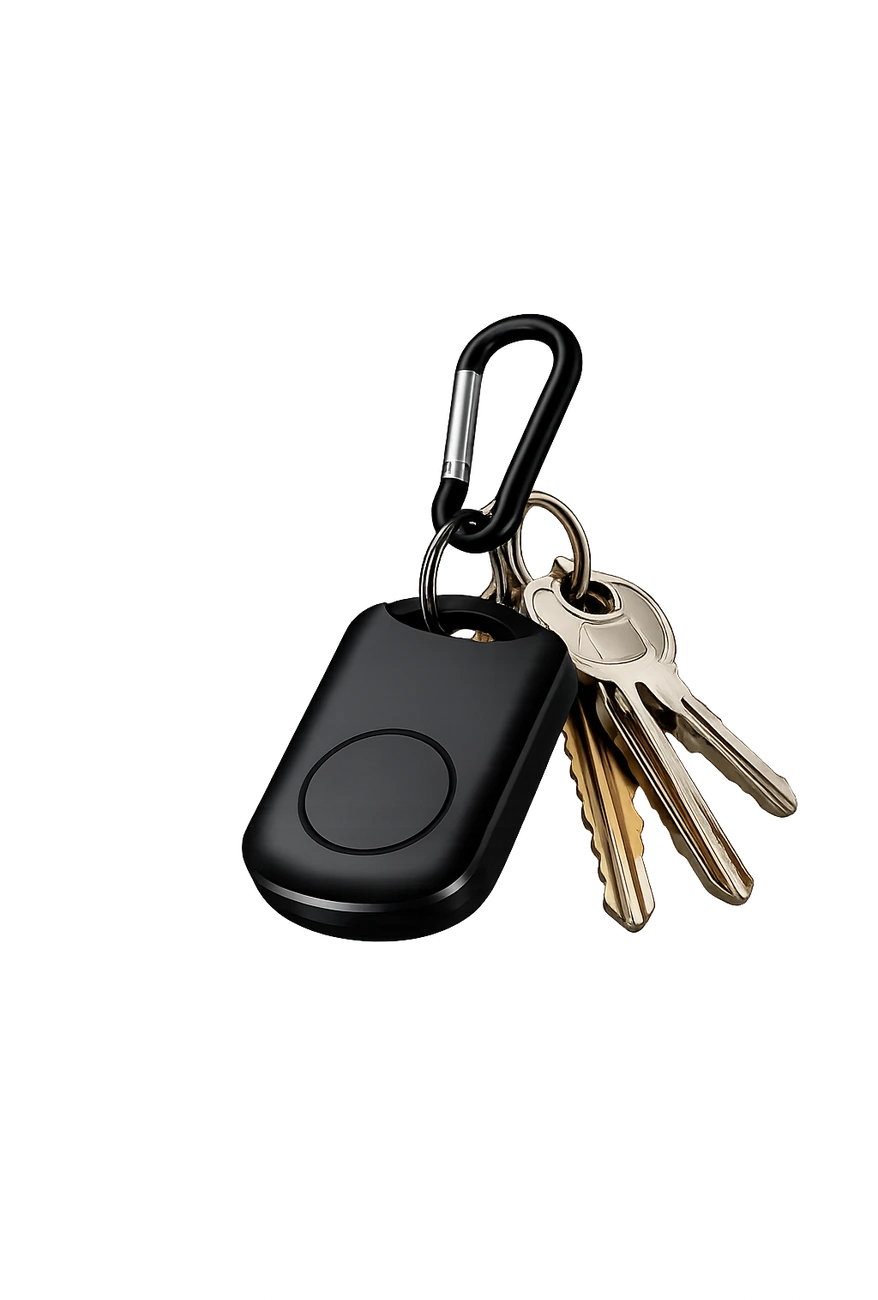
Your Sakhi clip-on, ready to wear. The coin cell is already sealed inside — nothing to assemble, nothing to charge, nothing to set up before you start.
Keys, belt, bag strap, or clothes. It looks like a keychain, so nobody reads it as a safety device — which is the point.
the app.
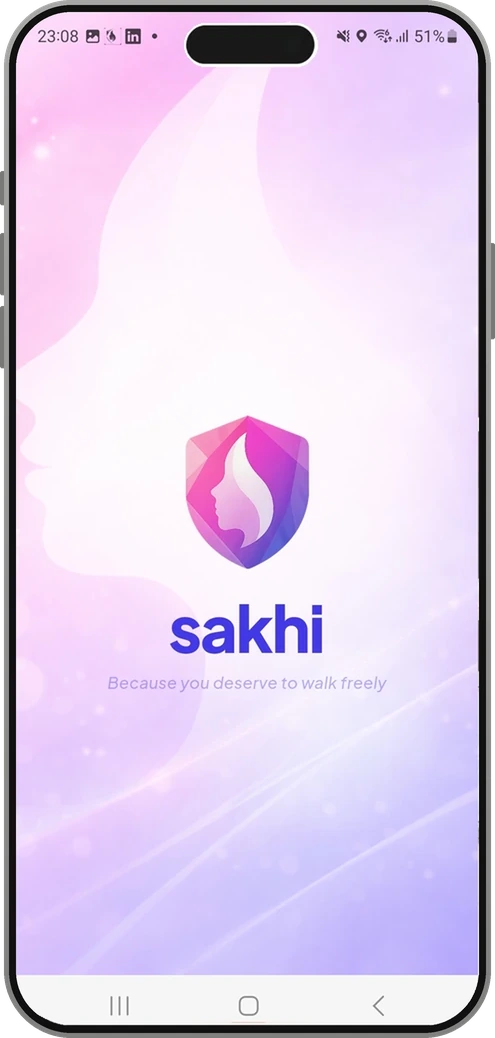
Free to install and set up in about two minutes. Your number, your name, and the permissions Sakhi needs to see risk around you.
once.
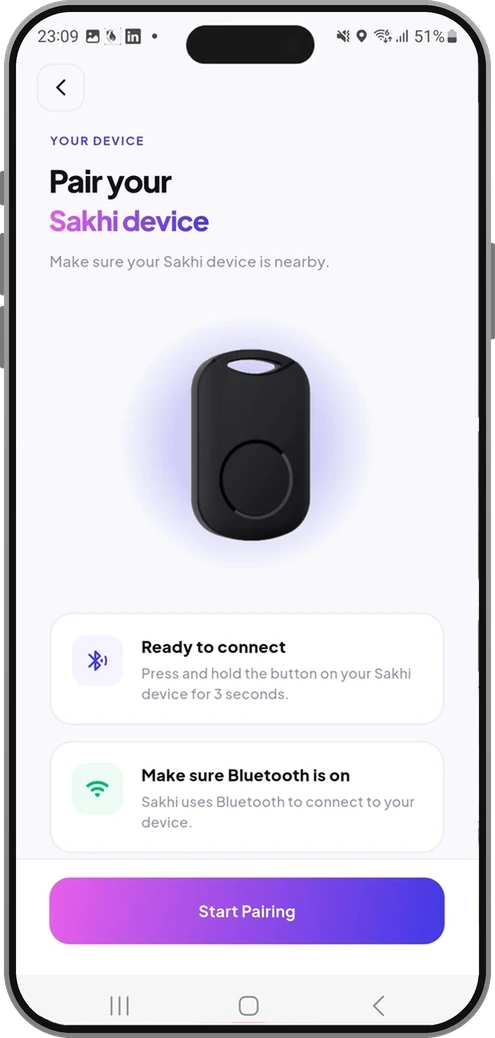
Hold the button on your clip-on until the light blinks — the app and device find each other in seconds, and reconnect on their own from then on.
the risk.
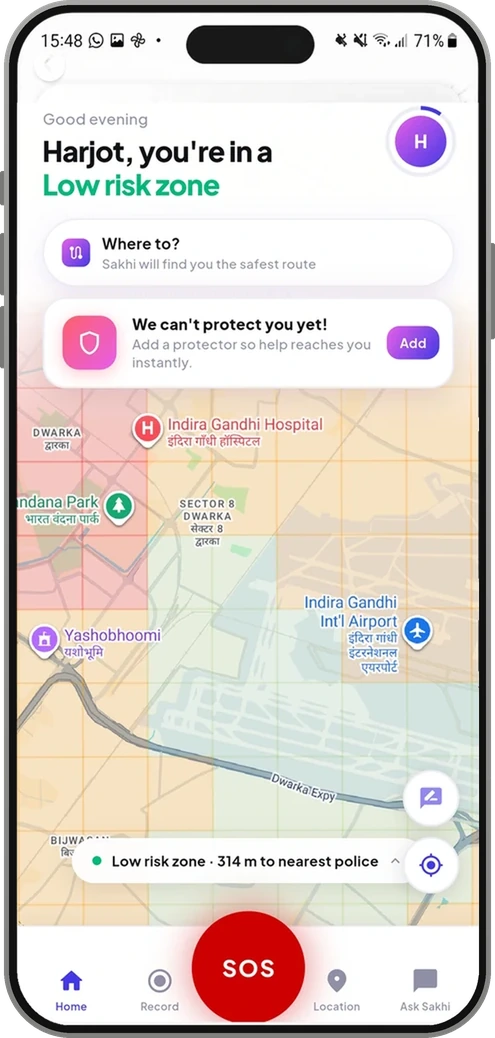
The moment you open Sakhi, you know the zone you are standing in — risk read in real time and updated as you move.
way home.
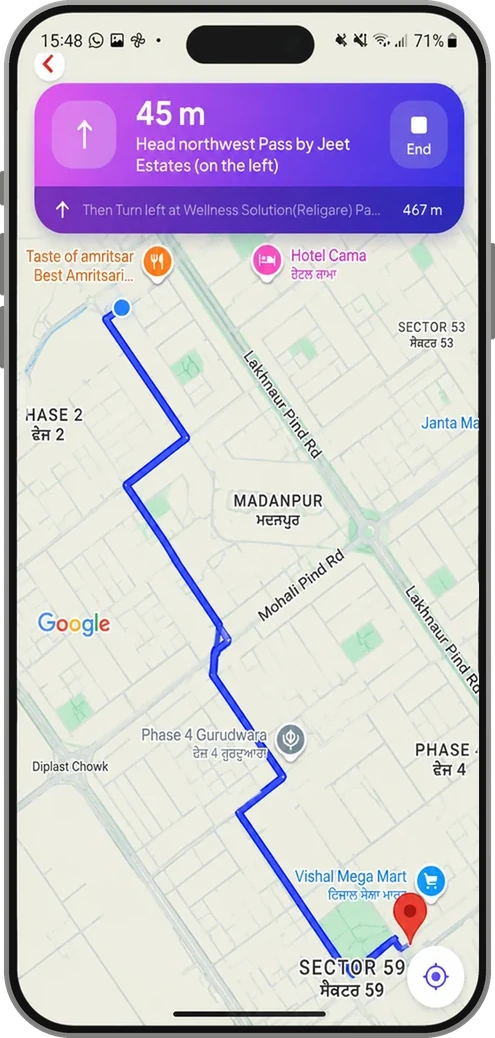
Tell Sakhi where you are headed and she routes you around higher-risk stretches — the safer way, not just the fastest one.
Any hour.
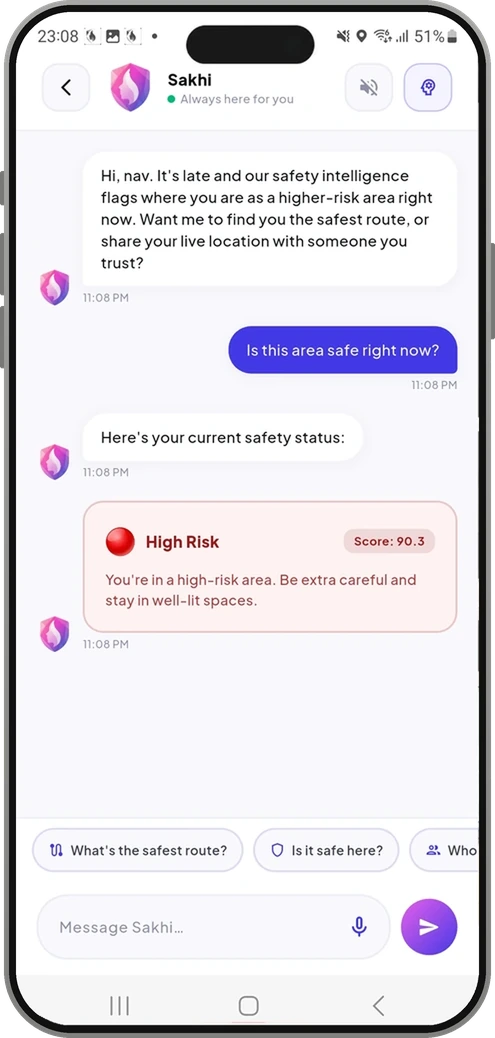
Your 24×7 safety companion. Ask if an area is safe, what to watch for, or for the nearest help — she answers instantly, day or night.
protectors.
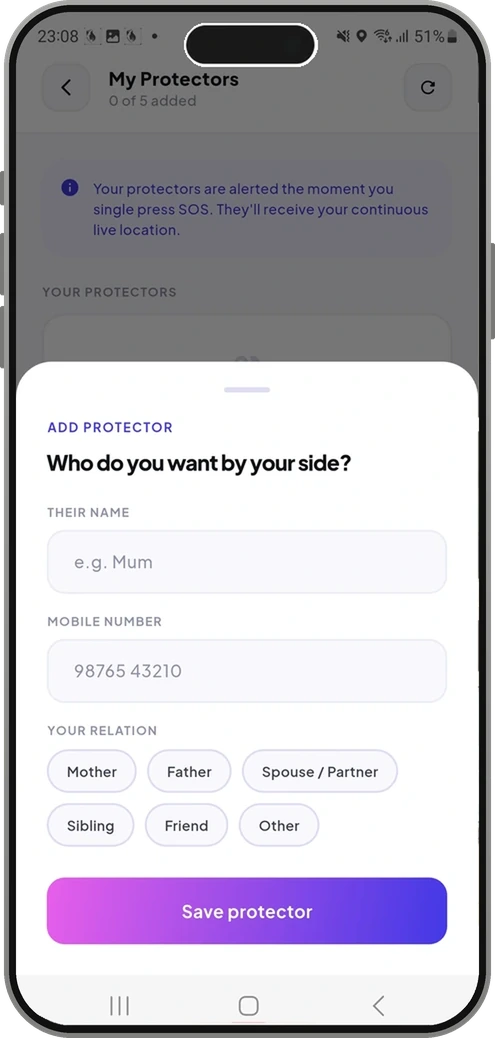
Up to five people you trust. They install the free companion app, you set what your protectors can see, and you are covered from that moment.
Help moves.
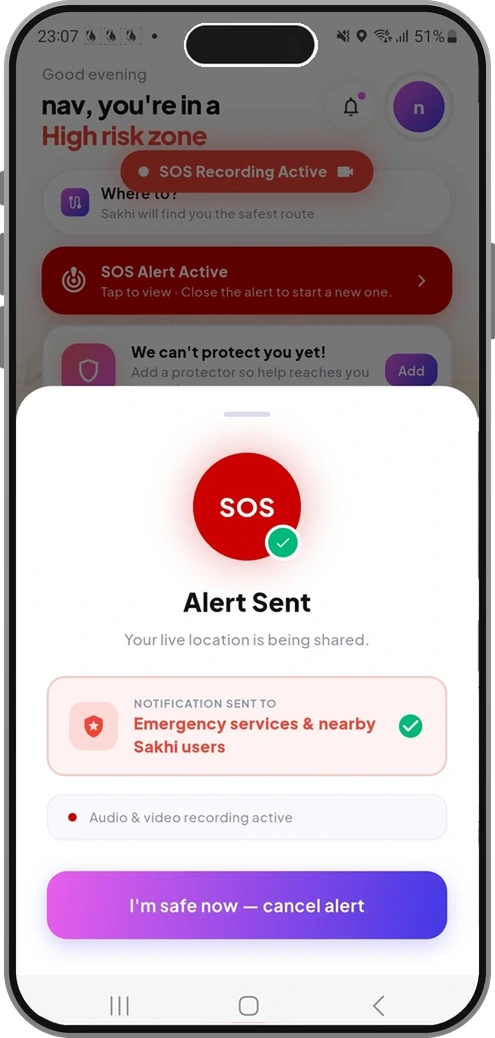
Press once — on your Sakhi clip-on or the SOS button in the app — and your protectors are alerted with your live location. Press twice to bring in emergency services and nearby Sakhi volunteers. No unlocking, no searching, no sound where you are standing.
the app.
Free to install and set up in about two minutes. Your number, your name, and the permissions Sakhi needs to see risk around you.
the risk.
The moment you open Sakhi, you know the zone you are standing in — risk read in real time and updated as you move.
way home.
Tell Sakhi where you are headed and she routes you around higher-risk stretches — the safer way, not just the fastest one.
Any hour.
Your 24×7 safety companion. Ask if an area is safe, what to watch for, or for the nearest help — she answers instantly, day or night.
protectors.
Up to five people you trust. They install the free companion app, you set what your protectors can see, and you are covered from that moment.
Help moves.
Press once — on your Sakhi clip-on or the SOS button in the app — and your protectors are alerted with your live location. Press twice to bring in emergency services and nearby Sakhi volunteers. No unlocking, no searching, no sound where you are standing.
Ready when you are.